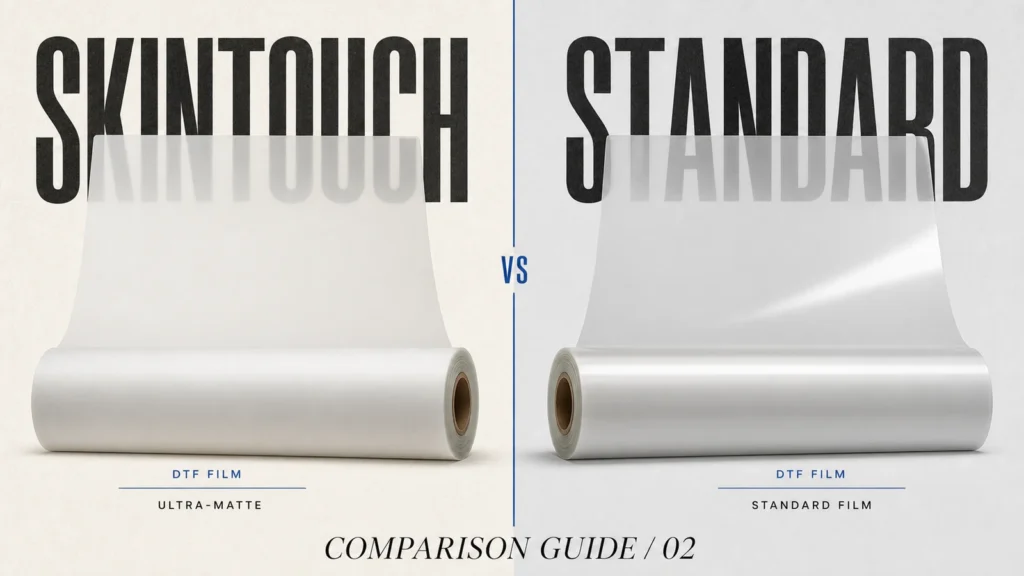
SkinTouch is Jinlong’s product term for the JL-04 Ultra-Matte DTF Transfer Film. It is designed for premium DTF applications that need a soft hand feel, natural ultra-matte surface, stable color release, and upgraded wash durability.
The biggest advantage is workflow friendliness. SkinTouch film does not require a new DTF process. You can use the regular DTF printing workflow, then control environment, powder curing, heat press, cooling, and cold peel carefully.
Recommended SkinTouch DTF Film Parameters
| Process item | Recommended setting |
|---|---|
| Printing environment | 20-25 C, 68-77 F |
| Relative humidity | 45%-65% |
| Powder curing | 130 C – 140 C for 2-3 minutes |
| Heat press temperature | 160 C |
| Heat press pressure | Medium to high pressure, 4-5 kg |
| Heat press time | 6-8 seconds |
| Peel method | Cool completely, then cold peel |
| Second press | Not recommended |
These are recommended starting points. In real production, settings may need small adjustments according to printer, ink, powder, fabric, heat press, and workshop conditions.
Step 1: Prepare the Printing Environment
DTF film is sensitive to static electricity and moisture. For SkinTouch film, the recommended room temperature is 20-25 C, with relative humidity around 45%-65%.
This helps reduce static-related powder residue, film feeding instability, moisture-related coating issues, uneven powder behavior, and defects during printing or peeling.
If the workshop is too dry, the film may hold static and attract powder outside the printed area. If the workshop is too humid, film and powder may absorb moisture, which can affect curing and transfer quality.
Step 2: Print with the Regular DTF Workflow
SkinTouch film is designed to work with the standard DTF process. Print the design as you normally would using DTF pigment ink.
Before printing, check the printable side of the film, printer nozzle condition, white ink circulation, RIP settings, image resolution, ink density, and film feeding path.
Because SkinTouch is often used for premium apparel and designer products, clean artwork and stable white ink output are especially important.
Step 3: Apply TPU Hot Melt Powder
After printing, apply TPU hot melt powder while the ink is still wet. SkinTouch JL-04 is compatible with TPU hot melt powder types such as #1, #2, and #6.
The powder should cover the printed ink area evenly. Excess powder should be removed before curing.
Uneven powder may cause rough edges, weak adhesion, powder marks around the design, uneven hand feel, or poor wash durability.
Step 4: Cure the Powder at 130 C – 140 C
After powdering, cure the transfer at 130 C – 140 C for 2-3 minutes. The goal is to melt the powder fully until it forms a uniform, smooth surface.
Under-curing may lead to weak bonding. Over-curing may make the adhesive layer too hard or reduce the premium hand feel.
The cured powder should appear fully melted, smooth, and even, with no loose powder or overheated areas.
Step 5: Heat Press at 160 C for 6-8 Seconds
For JL-04 SkinTouch film, the recommended heat press setting is 160 C with medium to high pressure, around 4-5 kg, for 6-8 seconds.
Make sure the press is even across the full design area. Uneven pressure may create partial transfer, edge lifting, or inconsistent surface finish.
Because SkinTouch is designed for a refined surface, avoid over-pressing during the first press.
Step 6: Cool Completely Before Peeling
SkinTouch JL-04 is a cold-peel film. After heat pressing, wait until the film is completely cool before peeling.
Peel diagonally at a steady speed. Do not pull too fast, because aggressive peeling may cause edge deformation or incomplete transfer.
Step 7: Do Not Apply a Second Press
Some standard DTF films recommend a second press to improve texture or wash durability. For JL-04 SkinTouch film, the product specification notes that a second press is not recommended.
This is important because SkinTouch is designed to deliver its ultra-matte surface and soft hand feel through the recommended process. Extra pressing may change the surface finish.
Step 8: Inspect and Store Correctly
After peeling, check that the matte surface is even, the design is complete, edges are clean, no powder residue remains, and the hand feel matches the target product.
Store unused SkinTouch film in a cool, dry place away from direct sunlight. After opening the package, reseal it immediately to prevent moisture absorption.
Conclusion
Using SkinTouch DTF film is not complicated, but the details matter. The recommended workflow is regular DTF printing, TPU powder application, 130 C – 140 C curing for 2-3 minutes, 160 C heat press for 6-8 seconds, complete cooling, and steady cold peel.
When used correctly, JL-04 SkinTouch Ultra-Matte DTF Transfer Film helps create premium prints with a refined ultra-matte look, soft hand feel, stable color release, and stronger wash performance.
FAQ
What temperature should I use for SkinTouch DTF film?
The recommended heat press temperature is 160 C, with medium to high pressure for 6-8 seconds.
What curing temperature is recommended?
After powdering, cure at 130 C – 140 C for 2-3 minutes until the powder fully melts into a uniform smooth surface.
Is SkinTouch film hot peel or cold peel?
SkinTouch JL-04 is a cold-peel film. Wait until it is completely cool, then peel diagonally at a steady speed.
Should I do a second press?
For JL-04 SkinTouch film, a second press is not recommended.
What humidity is best for SkinTouch DTF printing?
The recommended relative humidity is 45%-65%, with room temperature around 20-25 C.
Need help testing SkinTouch film on your printer? Contact Jinlong DTF for JL-04 SkinTouch film samples and recommended film, powder, and ink combinations for your fabric and workflow.