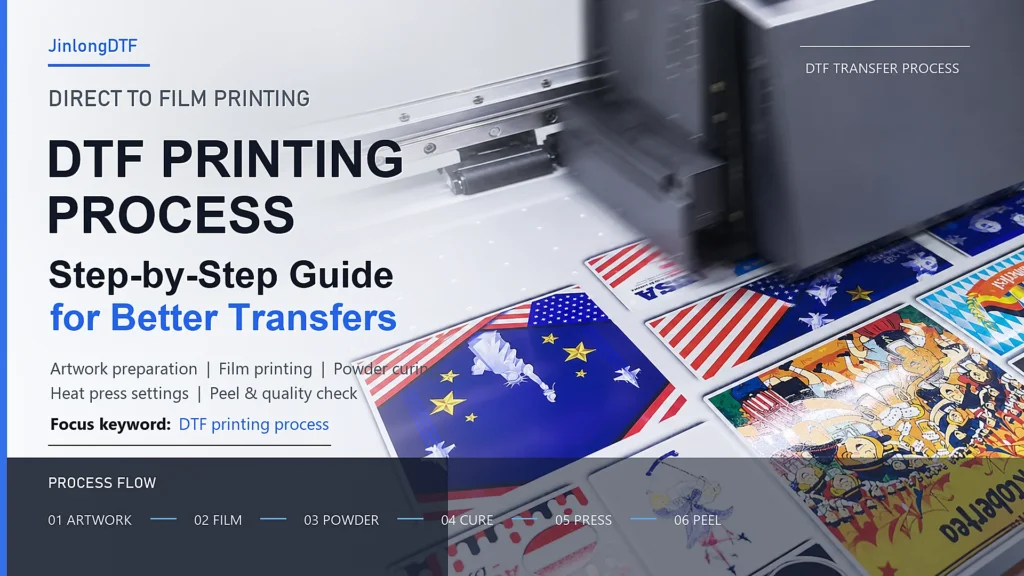
DTF printing, short for Direct to Film printing, is a digital heat transfer process that prints artwork onto a coated PET transfer film and then transfers the design onto fabric with heat and pressure.
Compared with traditional vinyl cutting, screen printing, and some direct-to-garment workflows, DTF is popular because it does not require cutting, weeding, or fabric pretreatment in many common applications. It can be used on cotton, polyester, blends, denim, canvas, leather, bags, shoes, sportswear, and many other textile products.
For a stable DTF transfer, the workflow is not only about the printer. The final result depends on the complete system: DTF printer, RIP software, DTF transfer film, DTF pigment ink, TPU hot melt powder, curing equipment, heat press settings, and peeling method.
This guide explains the DTF printing process step by step and highlights the production details that affect color, adhesion, wash durability, and hand feel.
What Is DTF Printing?
DTF printing is a process where the design is printed onto a special release film first, coated with hot melt adhesive powder, cured, and then heat pressed onto the final substrate.
The basic process is:
- Prepare the artwork in design or RIP software.
- Print the image onto DTF transfer film.
- Apply TPU hot melt powder to the wet ink.
- Shake off excess powder and cure the powder.
- Heat press the transfer onto the fabric.
- Peel the film according to the film type.
- Check the finished print and, when suitable, apply a second press.
Because the artwork is printed onto film before transfer, DTF is flexible for both single-piece customization and batch production.
Main Materials and Equipment Used in DTF Printing
DTF Printer
A DTF printer prints CMYK color ink and white ink directly onto the coated side of DTF transfer film. White ink is especially important because it creates the white base layer that helps colors stay bright on both light and dark fabrics.
Common printer widths include small desktop sizes around 30-45 cm, commercial 60 cm systems, and larger roll-to-roll production machines for factory output.
RIP Software
RIP software controls color management, white ink channels, dot precision, ink output, and print layout. A good RIP setup helps improve color consistency, ink coverage, and final transfer accuracy.
For DTF production, RIP settings should match the printer, ink, film, and powder system. Poor software settings can cause weak white ink coverage, heavy ink loading, dull color, or unstable transfer results.
DTF Transfer Film
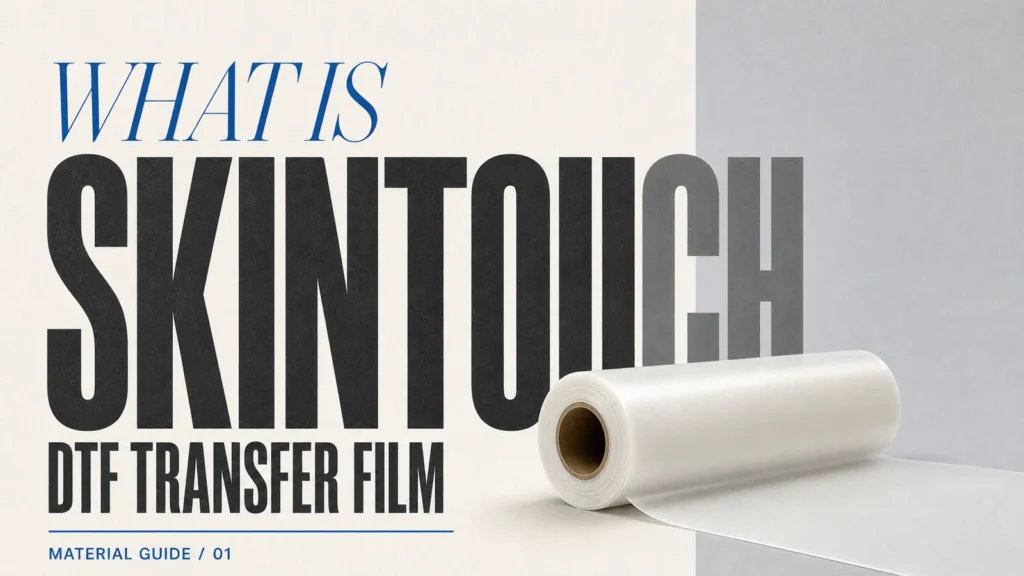
DTF transfer film, also called DTF printing film or DTF release film, is a coated PET film designed for Direct to Film printing. It is different from ordinary release film because it needs to absorb ink properly, hold powder evenly, feed smoothly through the printer, and release cleanly after heat pressing.
Jinlong DTF transfer film options include Standard, Pro, Pro Max, and specialty films such as SkinTouch ultra-matte cold-peel film. Depending on the film type, users can choose cold peel, hot peel, instant peel, single-sided matte, or double-sided matte options.
Typical Jinlong DTF film specifications include:
| Item | Common specification |
|---|---|
| Film thickness | 75 um to 100 um |
| Compatible ink | DTF pigment ink, CMYK + white |
| Compatible powder | TPU hot melt powder |
| Common roll widths | 30 cm, 60 cm, 90 cm, 120 cm, 180 cm, custom widths available |
| Transfer temperature | Often around 160 C to 165 C, depending on film and fabric |
| Transfer time | Commonly 6-15 seconds, depending on film series and production conditions |
The film choice affects color sharpness, peeling behavior, surface finish, stretch recovery, wash durability, and final hand feel.
DTF Ink
DTF ink is usually a water-based pigment ink system in CMYK plus white. The color inks create the printed image, while the white ink provides coverage and opacity.
Good DTF ink should have:
- Stable fluency through the printhead
- Bright color output
- Strong transfer performance
- Good wash fastness
- Reliable white ink coverage
- Compatibility with the printer, film, and powder system
Jinlong DTF ink is available in C/M/Y/BK/W and is commonly used with Epson-compatible DTF printer platforms.
TPU Hot Melt Powder
DTF hot melt powder creates the adhesive layer between the printed ink and the fabric. After powder is applied to wet ink, it is cured into a smooth adhesive surface before heat pressing.
TPU powder selection affects softness, bonding strength, stretch, wash resistance, and anti-sublimation performance.
Jinlong DTF powder options include:
| Powder type | Typical use |
|---|---|
| Fine powder, 60-100 um | Softer feel and fine-detail transfers |
| Standard powder, 100-200 um | General garment printing |
| Pro powder, 120-170 um | Stronger production performance |
| Black powder, 106-250 um | Dark fabrics and anti-migration needs |
The powder should be stored in dry conditions. Excess humidity can lead to clumping, uneven coating, poor curing, and transfer defects.
Powder Shaker and Curing Unit
For small operations, powder can be applied manually. For commercial production, an automatic powder shaker improves consistency by applying powder evenly, removing excess powder, and moving the film through the curing section.
A stable powder shaker reduces labor cost, improves production speed, and helps avoid uneven adhesive coverage.
Heat Press Machine
The heat press transfers the cured DTF print from film to fabric. Flat heat presses are widely used for T-shirts, hoodies, garment panels, and sportswear. Roll-to-roll or rotary heat transfer systems are used for fabric rolls, ribbons, umbrella fabric, and larger-format continuous production.
Temperature, time, pressure, and peeling method must be adjusted according to film type, powder type, fabric, and final finish requirements.
DTF Printing Process Step by Step
Step 1: Prepare the Artwork
Start by preparing the design in graphic software and RIP software. Check the image size, resolution, color mode, white ink layer, and print direction before output.
For best results:
- Use high-resolution artwork.
- Avoid very thin lines if the fabric has heavy texture.
- Confirm whether the design needs a white base.
- Keep margins suitable for the film and heat press platen.
- Use RIP settings matched to your DTF ink, film, and powder.
This stage determines the foundation of the final print. Even high-quality consumables cannot fully correct low-resolution artwork or incorrect RIP settings.
Step 2: Print the Design on DTF Film
Load the DTF transfer film correctly, with the printable coated side facing the printhead. The printer first prints the color layer and then applies white ink as the base layer.
During printing, monitor:
- Film feeding stability
- Ink absorption
- White ink opacity
- Line sharpness
- Banding or missing nozzles
- Static electricity
- Ink pooling or bleeding
Recommended production environments are often around 20-25 C with 45%-65% relative humidity. This helps reduce static, moisture-related defects, and film feeding issues.
Step 3: Apply Hot Melt Powder
While the ink is still wet, apply TPU hot melt powder to the printed design. The powder must cover the inked area evenly. Excess powder should be shaken off so that powder remains only where adhesive is needed.
Uneven powder application can cause:
- Weak bonding
- Rough hand feel
- Powder marks around the design
- Edge lifting
- Poor wash durability
Automatic powder shakers are recommended for commercial production because they make powder coverage more consistent than manual application.
Step 4: Cure the Powder
After powdering, cure the transfer so the powder melts into a smooth adhesive layer. Curing is usually done with a dryer, oven, or the curing section of a powder shaker.
For many DTF workflows, powder curing is commonly set around 120-140 C for 2-3 minutes. The exact setting depends on powder type, ink load, film, equipment, and production speed.
The cured powder surface should look even and properly melted. If it is under-cured, the transfer may have poor adhesion. If it is over-cured, the transfer may become hard, brittle, or difficult to press correctly.
Step 5: Heat Press the Transfer
Place the printed and cured DTF transfer onto the garment or fabric. Set the heat press according to the film and fabric requirements.
For many Jinlong DTF transfer films, common heat press conditions are around:
| Setting | Common range |
|---|---|
| Temperature | 160 C to 165 C |
| Time | 6-15 seconds |
| Pressure | Medium to high pressure, often around 4-5 kg |
These are starting references, not universal rules. Always test and calibrate based on your heat press, fabric, ink load, powder, and film type.
Step 6: Peel the Film
Peeling depends on the DTF film type:
- Cold peel film: Wait until the film is completely cool, then peel diagonally at a steady speed.
- Hot peel film: Peel immediately after pressing.
- Instant peel film: Peel quickly according to the film supplier’s instructions.
Incorrect peeling can cause incomplete transfer, edge distortion, surface damage, or poor finish. Always match the peeling method to the film specification.
Step 7: Finish and Quality Check
After peeling, check the finished print for:
- Complete transfer
- Sharp edges
- Correct color
- Smooth surface
- No powder residue
- No lifting or cracking
- Suitable stretch and hand feel
For many standard DTF films, a second press for 5-8 seconds with a Teflon sheet or finishing sheet can improve wash durability and surface texture. However, some specialty films may not recommend a second press, so always follow the film instructions.
Why DTF Printing Is Popular
DTF printing has become widely used because it solves many problems in custom garment production.
Key advantages include:
- No cutting or weeding
- No screen making
- Suitable for light and dark fabrics
- Works on many fabric types
- Good for complex designs, photos, logos, and text
- Efficient for both small orders and batch production
- Strong color performance with white ink support
- Flexible for personalized products and factory production
DTF is especially useful for T-shirts, hoodies, sportswear, team uniforms, canvas bags, shoes, denim, labels, luggage, leather goods, backpacks, and umbrellas.
Common DTF Printing Problems and How to Prevent Them
Poor Adhesion
Possible causes include under-cured powder, low heat press pressure, insufficient pressing time, incompatible powder, or moisture in the film or powder.
Prevention:
- Check powder curing temperature and time.
- Increase pressure or press time slightly after testing.
- Store powder and film in dry conditions.
- Use compatible film, ink, and TPU powder.
Dull Colors
Dull color can come from poor ink quality, incorrect RIP settings, low white ink density, poor film coating, or too much heat exposure.
Prevention:
- Calibrate RIP color settings.
- Check white ink circulation and nozzle condition.
- Use high-absorption DTF film.
- Avoid over-curing or over-pressing.
Powder Residue Around the Design
Powder residue usually happens when excess powder is not removed properly, static is too high, or the film surface holds powder outside the printed area.
Prevention:
- Improve shaking settings.
- Control room humidity.
- Use anti-static DTF film.
- Keep the powder dry and free-flowing.
Cracking After Washing
Cracking can result from poor powder quality, wrong press settings, low curing quality, or incompatible fabric stretch.
Prevention:
- Use TPU powder with good wash fastness.
- Confirm press temperature, time, and pressure.
- Test stretch performance before bulk production.
- Consider a second press when recommended.
How to Choose DTF Film, Powder, and Ink for Better Results
The DTF printing process is a system. Choosing only one good material is not enough if the other consumables are not compatible.
For stable output, match these three materials carefully:
- DTF transfer film: Controls ink absorption, release, finish, and peeling.
- DTF ink: Controls color, white opacity, fluency, and printhead stability.
- TPU hot melt powder: Controls adhesion, softness, stretch, and wash fastness.
If you print premium apparel, matte fashion products, or high-end custom gifts, a specialty film such as Jinlong SkinTouch ultra-matte DTF transfer film can improve the final texture without changing the regular DTF workflow.
If you print high-volume T-shirts, hoodies, and sportswear, standard or pro-grade transfer film with a stable TPU powder is often a practical choice.
If you print on dark polyester or sublimated fabric, pay attention to anti-migration performance and consider black powder or anti-sublimation powder options after testing.
Conclusion
The DTF printing process is simple in structure but sensitive in detail. A good transfer depends on correct artwork preparation, stable film printing, even powder application, proper curing, accurate heat press settings, and the right peeling method.
For businesses that want consistent production quality, the best approach is to test the full system together: DTF transfer film, DTF ink, TPU powder, printer, RIP software, curing unit, heat press, and fabric.
Jinlong DTF supplies DTF transfer film, TPU hot melt powder, and DTF ink for garment printing, custom products, and production-scale transfer workflows. If you need help choosing consumables for your printer width, fabric type, and target finish, contact Jinlong DTF for product recommendations or sample testing.
FAQ
What does DTF printing mean?
DTF means Direct to Film. It is a process where artwork is printed onto DTF transfer film, coated with hot melt powder, cured, and then heat pressed onto fabric.
Do I need to pretreat fabric for DTF printing?
In many common applications, DTF printing does not require fabric pretreatment. This is one reason it is popular for garment customization and small-batch production.
What materials are needed for DTF printing?
The main materials and equipment include a DTF printer, RIP software, DTF transfer film, DTF pigment ink, TPU hot melt powder, powder shaker or curing unit, and heat press machine.
What temperature is used for DTF heat pressing?
Many DTF workflows use around 160 C to 165 C, but the correct setting depends on the transfer film, powder, fabric, heat press, and desired finish. Always test before bulk production.
Should DTF film be hot peel or cold peel?
Both can work. Hot peel film is peeled immediately after pressing, while cold peel film should cool completely before peeling. The correct method depends on the film type and supplier instructions.
Why is white ink important in DTF printing?
White ink creates the base layer behind the color image. It helps colors appear bright and opaque, especially on dark fabrics.
How can I improve DTF wash durability?
Use compatible DTF film, high-quality TPU powder, stable ink, correct powder curing, proper heat press settings, and a second press when recommended by the film supplier.
Need stable DTF consumables for your printer and fabric applications?
Jinlong DTF supplies DTF transfer film, TPU hot melt powder, and DTF ink for custom printing shops, garment decorators, and production factories. Contact us to request samples or get a consumable recommendation for your DTF workflow.